If you publish a video podcast or long videos on YouTube, a new tool can save you hours every week. YouTube has expanded the clips tool in YouTube Studio so you can turn a long episode into Shorts without leaving the platform. The change was announced on 12 November in a YouTube Help Community post aimed at podcast creators, and reported by Search Engine Journal (Matt G. Southern, 15 November 2026).
Below we explain what the tool does, where its limits are, and what it means for the video, podcast and music clients we work with.
What YouTube changed
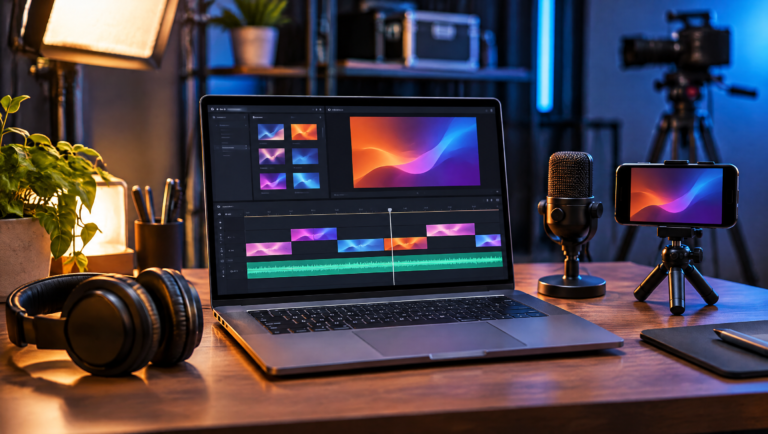
You open a long-form video in YouTube Studio and choose Shorts. From there you pick the moment you want in one of two ways: enter timestamps in the timeline editor, or select lines of text in the transcript. Choosing by transcript is the faster route for podcasts, because you can scan what was said instead of scrubbing through audio.
Where it is available, YouTube also offers AI suggestions. It proposes “moments in your episode that can be watched independently” and builds a transcript outline so you can jump between topics. According to the report, AI suggestions are available in Brazil, Canada, France, Germany, India, Mexico, South Korea, Spain, the UK and the US, in English, French, German, Hindi, Korean, Portuguese and Spanish. YouTube says more creators will get access, with no timeline given.
Vertical format, captions and a link back
Three details make this more than a simple trim tool:
- Automatic reframing. A 16:9 video is converted to vertical, with the key parts kept in frame.
- Captions. Where available, captions are added automatically. You can restyle them, move them or turn them off.
- A path back to the full episode. Each Short links to the original video as its related video, unless the Short is private, unlisted or Made for Kids.
That last point matters most. A Short is a discovery tool; the full episode is where listeners build a habit. A built-in link from one to the other turns every clip into a small trailer for your show.
What it does not answer yet
YouTube’s help page says: “You won’t be penalized for using your content in a video clip or Short.” Search Engine Journal points out that this line does not address recommendations. That is worth noting because YouTube’s 1 October change targeted channels that re-upload or aggregate content. Clipping your own episodes on your own channel is a different case, but the safest approach is to treat each Short as its own piece: a clear hook, one idea, and a reason to watch the full episode.
What this means for podcast clients
For podcasters, the tool lowers the cost of a steady Shorts schedule. A one-hour episode can now feed a week of clips with far less editing time. The quality of those clips still depends on what you recorded. The tool can reframe a wide shot, but it cannot fix poor audio, a cluttered background or a guest who sits out of frame. If you are planning a show, our podcast launch checklist covers the setup choices that make clips easy later, such as camera angles and clean sound.
What this means for video and music clients
The tool is not only for podcasts. Any long video on your channel can become Shorts: an interview, a behind-the-scenes session, a live performance or a studio walkthrough. For musicians, a strong live take or a short talk about how a song was written can travel further as a vertical clip that points back to the full video.
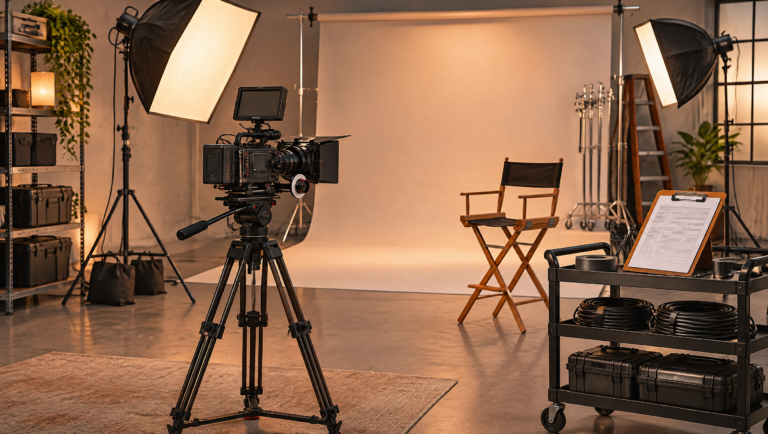
The practical lesson is to shoot long-form with clips in mind. Frame your subject so a vertical crop still works, keep key action near the center, and leave natural pauses between ideas so a moment can stand on its own.
Three steps to try this week
- Open your most recent long video in YouTube Studio and make one Short using the transcript selection.
- Check the reframing on a phone. If faces or instruments are cut off, note it for your next shoot.
- Write a short hook for the first two seconds and keep captions on unless they cover something important.
Need help getting more from every recording?
CNM Productions is a video, podcast and music production team based in Germantown, MD, with more than 120 projects delivered and a 4.9 rating from clients. We plan, record and edit content that is ready to be clipped across platforms. See our production services, learn more about our team, or watch our showreel.
Ready to plan your next episode or video? Contact us and we will reply within one business day.