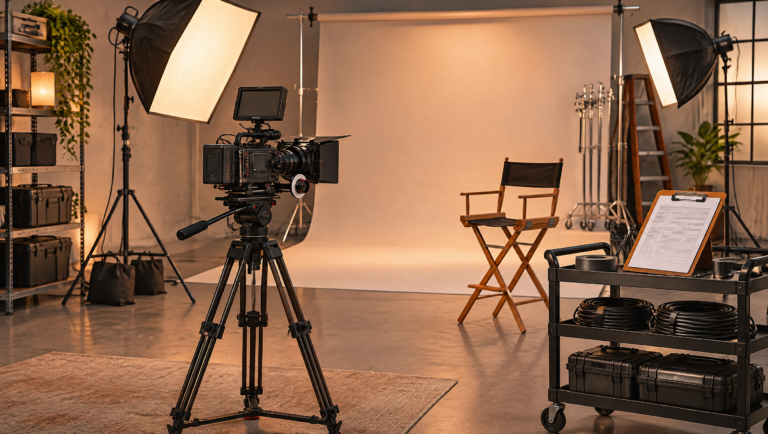

Not everyone who cares about your conference, product launch or fundraiser can be in the room. When you live stream your event, they can watch as it happens, and the recording keeps working for months afterwards. The catch is that most stream-day problems are decided weeks earlier: a weak internet line, a missing audio feed, a speaker whose slides arrive five minutes before they go on. This checklist walks through what to settle, and when, so the stream feels as polished as the event itself.
Start with who is watching, and where
Before you think about cameras, decide who the stream is for. A public launch might go to YouTube, LinkedIn and Facebook at once. A members-only meeting or a paid conference needs a private link or a registration page instead.
- Pick your platforms and confirm the right accounts can go live on them. On YouTube, turning on live streaming for the first time can take up to 24 hours, so do it early.
- Decide whether viewers register, and whether you want their names and emails for follow-up.
- Agree on one person who owns the stream on the day and can make quick calls.
Walk the venue with the stream in mind
A tech walk-through two or three weeks out saves more trouble than any piece of gear. Bring a list and ask the venue these questions directly.
- Internet: Is there a wired connection you can use, and can you test the upload speed at the same time of day as the event? Shared guest Wi-Fi slows down once the room fills. Plan a backup, such as a cellular hotspot.
- Audio: Can you take a feed from the venue’s sound desk? The microphone on a camera hears the room, not the speaker. Remote viewers forgive soft video far sooner than bad sound.
- Power and positions: Where can cameras stand without blocking guests, and is there power nearby?
- Light: Will stage lights reach the speaker, and will a bright projection screen sit behind them in every shot?
Write a run of show
A run of show is a minute-by-minute plan that everyone on the crew can follow. It turns a long day into a series of small, predictable moments.
- A “starting soon” slide with a countdown, so early viewers know they are in the right place.
- Every speaker, session and break, with start times and who introduces whom.
- Name titles for each speaker. Collect spellings and job titles in advance and have each person confirm them.
- A “we will be right back” slide for breaks and any technical pause.
Ask speakers for their slides a few days ahead, in widescreen format. Sending slides to the stream directly looks far sharper than filming the projector screen.
Rehearse and test before anyone is watching
Run a technical rehearsal the day before or early on the morning of the event. Send a test stream to a private or unlisted link and watch it on a phone, not just on the production screen. Check that the sound matches the speaker’s lips, that slides are readable, and that the backup internet actually takes over when the main line drops. On the day, go live with your holding slide ten to fifteen minutes before the official start.
Make remote viewers part of the event
People watching from home drift away when they feel like an afterthought. Give one person the job of watching the chat, welcoming viewers and passing their questions to the host. When a speaker answers an online question by name, the remote audience stays.
Two things to clear in advance: let speakers and attendees know the event is being streamed and recorded, and avoid playing popular songs during breaks. Platforms can mute or block a stream that plays music you do not have the rights to, so use licensed or original music instead.
The recording is half the value
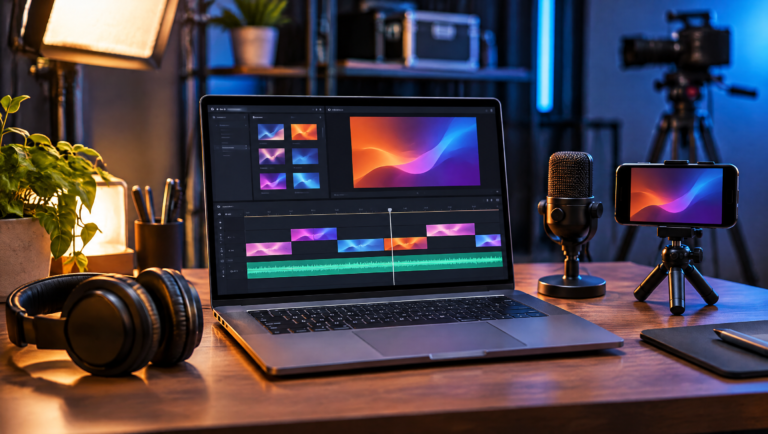
Once the stream ends, the work shifts to the footage. Trim the waiting time from the start, add chapters so viewers can jump to each session, and cut the best moments into short clips for social media. A short recap video also gives you something to share when you announce next year’s event. Many people scroll with the sound off, so add captions to every clip; our guide to video captions explains how.
Want a crew to handle the stream?
CNM Productions in Germantown, MD, produces live streams for conferences, launches and hybrid events, with multi-camera coverage, on-screen graphics, streaming to your platforms and a recap video afterwards. We also produce remote live streams. See all our production services, or tell us about your event. We reply within one business day.